
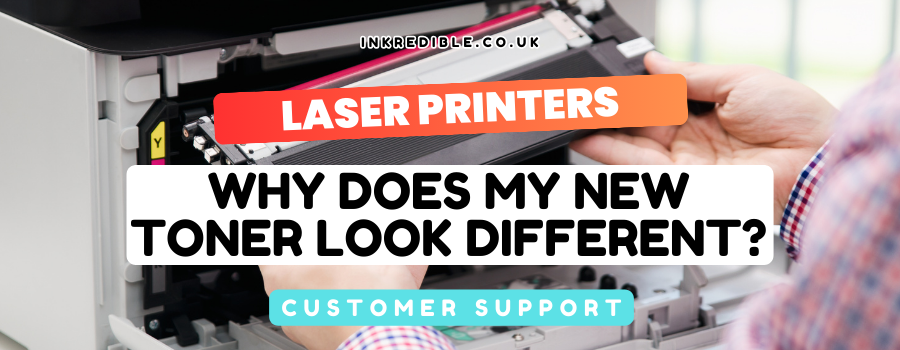
One of the most common questions we hear is: “Why does this new toner look so different from what I took out?”
On many lasers — especially Brother, and some Samsung models — the toner and drum are separate. When you remove a cartridge for the first time, you often pull both out together because the toner sits inside the drum. The replacement toner alone looks much smaller — and that's usually correct.
A Typical Scenario
- What you removed: toner still clipped inside the drum
- What you bought: toner only
- Reaction: “This can't be right — it's too small!”
That usually means the modular design was misunderstood, not that the wrong product was sent. See also Toner or Drum — what's the difference?
What To Do
- Separate the old toner from the drum (there's usually a release lever or button)
- Snap the new toner into the existing drum — unless the drum also needs replacing
- Compare labels: Brother drums start DR / D; toners start TN / T. Seeing both codes on what you removed means you took out both parts
Ordered a drum by mistake?
That often happens when toner+drum come out as one unit. Your printer should say whether toner or drum is low. Toners are replaced much more often than drums — often around four toners per drum life (e.g. TN2420 ~3,000 pages vs DR2400 ~12,000 pages at 5% coverage).
Search your printer model on INKredible, or contact us with the message on the screen — we're happy to identify the right part.
Frequently Asked Questions
Often no — you removed toner+drum together, and the new toner is just the toner. Check TN vs DR labels.
No. Replace the drum when the printer says Replace Drum, or when quality issues remain after a new toner.
Yes — get in touch with your printer model and the on-screen message.